Viewing Access Points
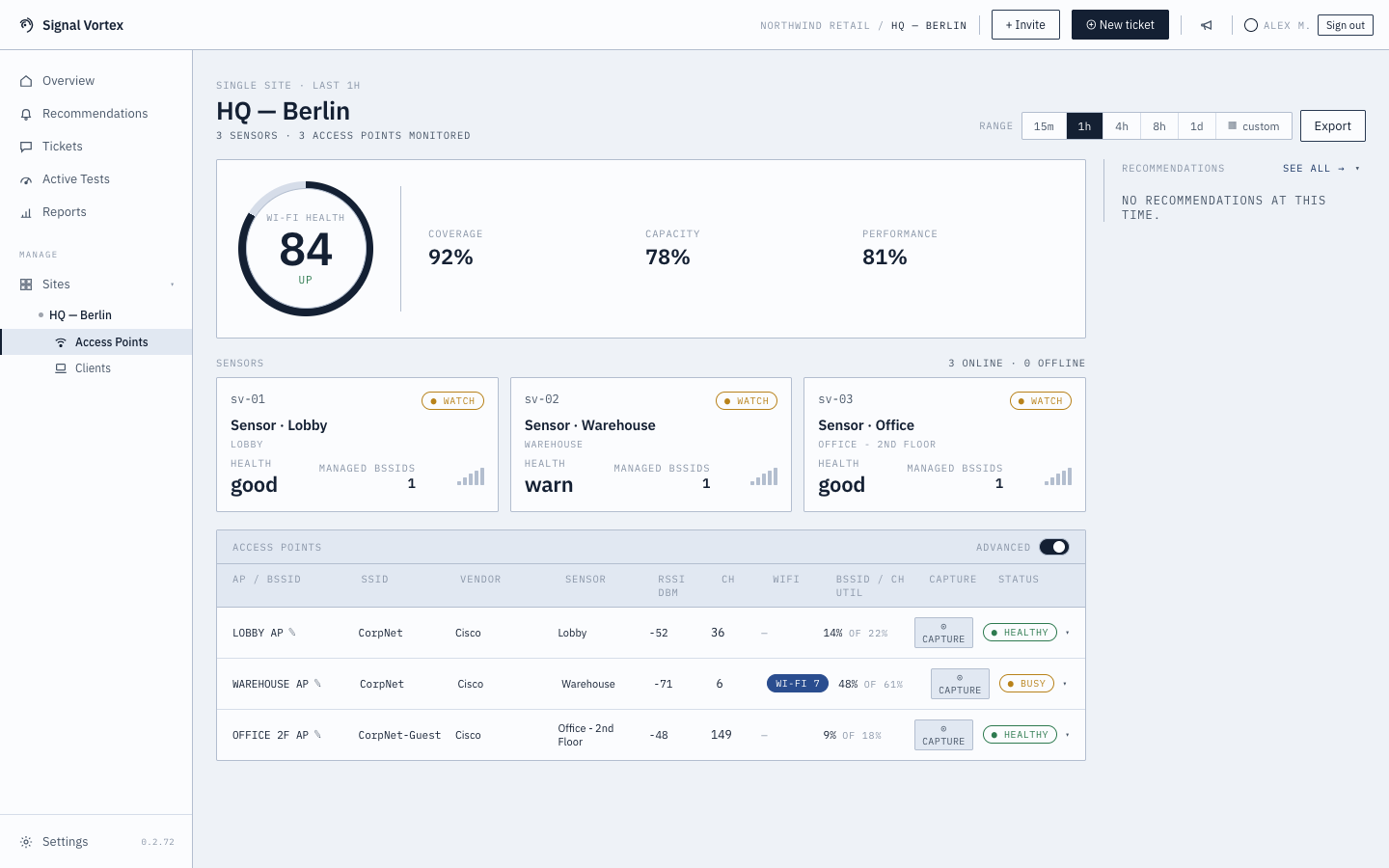
The Dashboard screen lists every access point (AP) your sensors have seen at the current site.
What you'll see
- A table/list of APs, typically identified by BSSID and any alias you've set (see Renaming Devices).
- Expanding a row shows a detailed timeline (
ApTimeline) of that AP's recent activity, and — at the bottom — its Network Capability Details. - A ⊙ CAPTURE button per AP for starting a Focused Capture targeted at that AP, and an option to start a Live Monitor Session instead.
Why it matters
This is the main place to see "what access points exist and how are they doing" without going through the health score narrative — useful once you already know (or suspect) an AP is the problem.