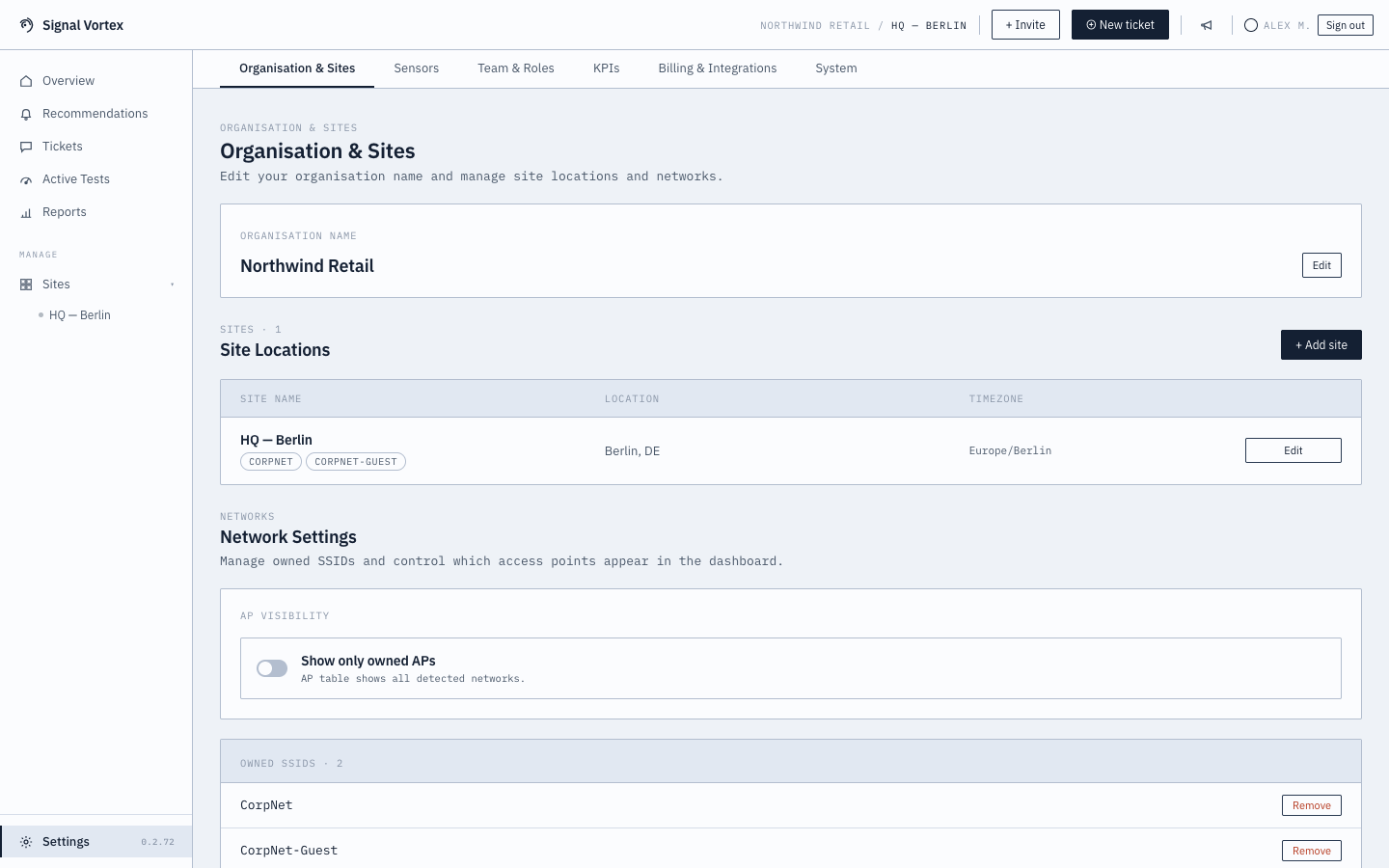
Organization and Sites
What you can do
- View/edit your organization name.
- Manage your list of sites — name, location, timezone; add or remove sites.
- Access the AP grouping editor per site.
- Support Access (all users) — see Support Access Requests, embedded here.
- Device Data (Admin-only) — search for a client by MAC/vendor/name and reset its recorded device capability data (max Tx power, spatial streams, channels), so it gets recaptured fresh on the device's next association. Useful if a device's profile seems stale after a firmware/driver update.
- Data Export (Admin-only) — pick a month (the last 12 are available) and, optionally, filter to specific sites (skip the filter, or leave every site checked, to export all of them). Downloads a ZIP of that month's data for offline record-keeping or handing to someone outside the app.
Weather
- Per site: a latitude/longitude pair, either typed in directly or filled from a "Find from address" lookup that geocodes the site's location text and lists candidates to click-to-fill. Nothing is saved automatically from the lookup — only the form's own "Save changes" persists it, alongside the rest of the site's details.
- Picking a geocode candidate also fills in the site's country code, and there's an optional holiday subdivision field (e.g.
SCTfor Scotland) for regions whose public holidays differ from their country's national calendar — leave it blank for national holidays only. - A tenant-wide "Enable weather data" toggle (on by default) — plain-language copy explains that turning it on means the site's coordinates are sent to OpenWeatherMap.
- A Correlation Thresholds box — minimum weeks of history and minimum samples per bucket before the Weather Response Profile will report an effect, rather than reading noise as if it were a real pattern.
Why it matters
This is the foundation everything else builds on — sites are the unit that health scores, reports, and diagnostics are all scoped to.