KPIs
What you can do
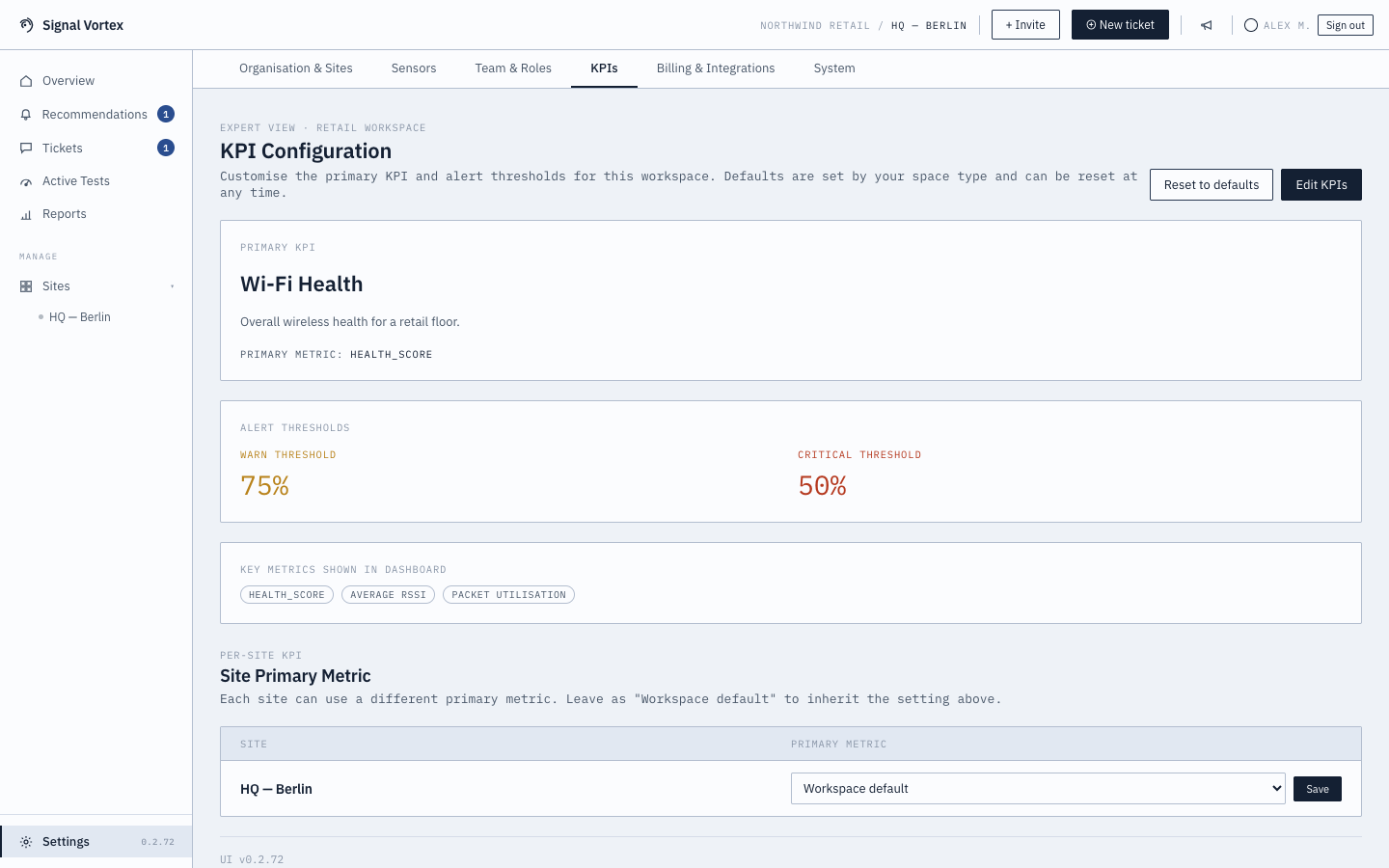
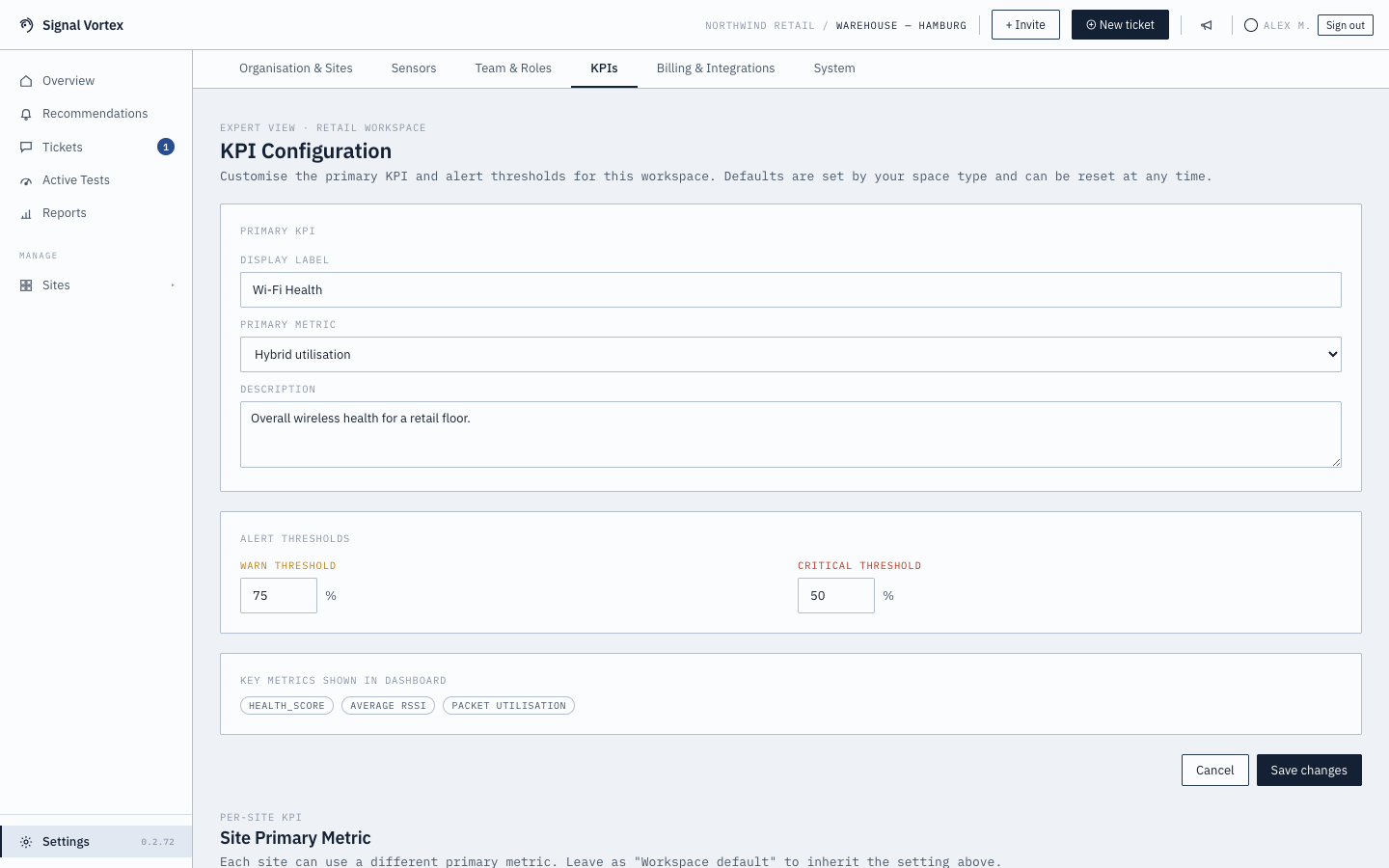
- View and edit your workspace's primary KPI — its display label and which underlying metric it tracks — plus the warn and critical alert thresholds that turn that metric into a good/warning/critical judgement.
- Choose which key metrics show up on the dashboard.
- Set a different primary metric per site, overriding the workspace default for just that location (leave it as "Workspace default" to inherit the setting above).
- Reset to defaults at any time, restoring the sensible starting point chosen during workspace setup based on your "kind of space."
Why it matters
KPI targets are what turns raw metrics into a "good/warning/critical" judgement throughout the app — the health score and recommendations are only as meaningful as the targets behind them. A warehouse and a hotel don't have the same idea of "good coverage," and a multi-site org might not want the same targets everywhere either — this page controls both the org-wide default and each site's override.