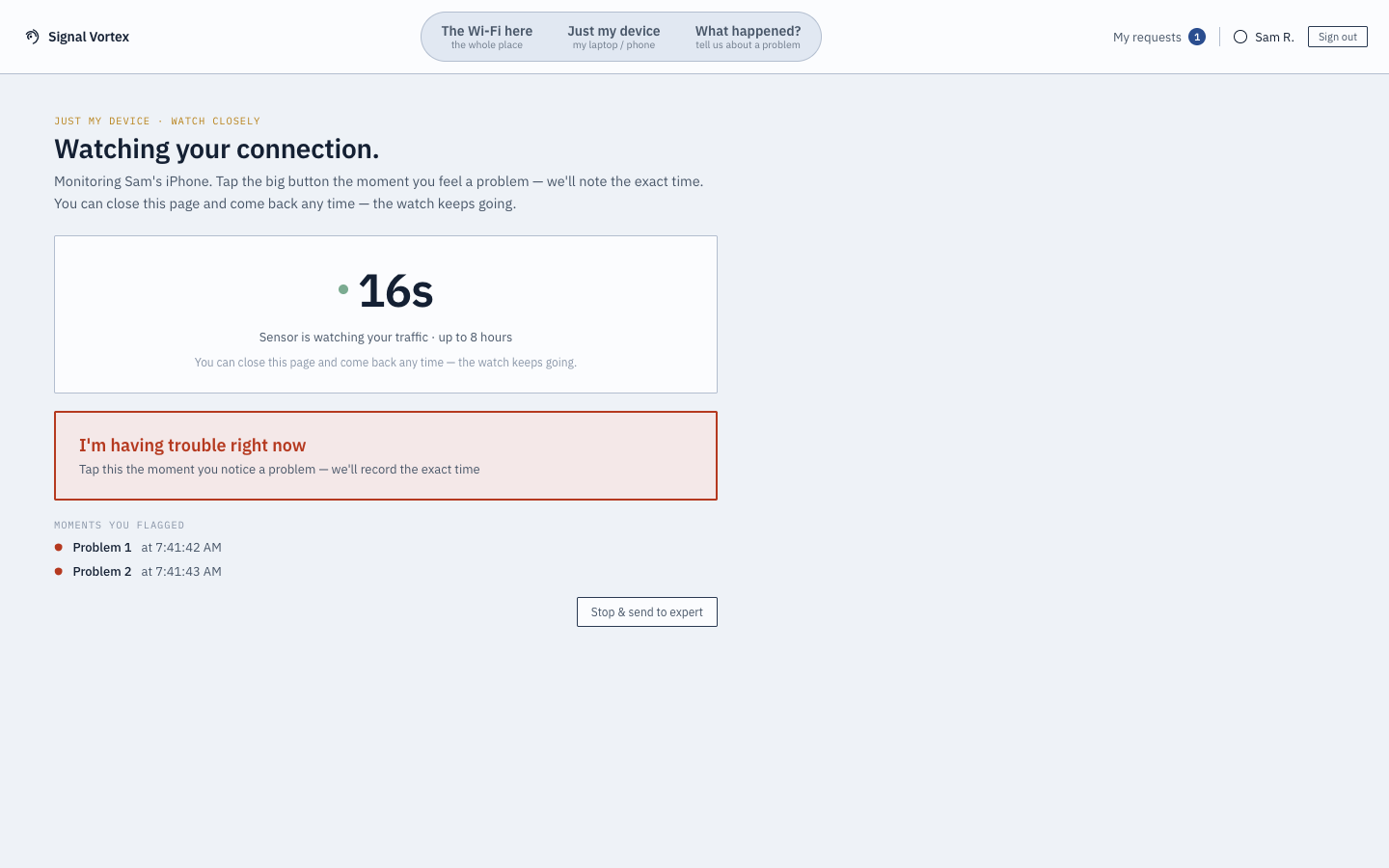
"Watch & Flag"
Sometimes a problem is intermittent — fine right now, but it was definitely lagging ten minutes ago. Watch & Flag is built for exactly that: instead of trying to describe when it happened, you mark it the moment it happens.
What you can do
- Start watching — monitoring runs in the background for up to 8 hours.
- Tap to flag a moment any time you notice a problem — each tap timestamps it.
- Come back later — if you navigate away or close the tab, the running watch is still there when you return, with a "Watch is still running — return to watch" prompt.
- Stop & send to an expert — ends the watch and bundles every flagged moment, with its exact timestamp, into a request for Signal Vortex support. If you didn't flag anything, you can still stop and send whatever was captured, or just stop watching with nothing sent.
Why it matters
Precisely timestamped moments are far more useful to an engineer than "sometime this afternoon" — this turns a vague, hard-to-reproduce complaint into exact, minute-level evidence, without asking a non-technical user to do anything more complicated than tap a button when something feels wrong.