Linking Your Device
Some features — the "Just my device" flows in the Simplified Experience, and Active Tests — need to know which client row on the network actually is your device. Linking sets that up.
What you can do
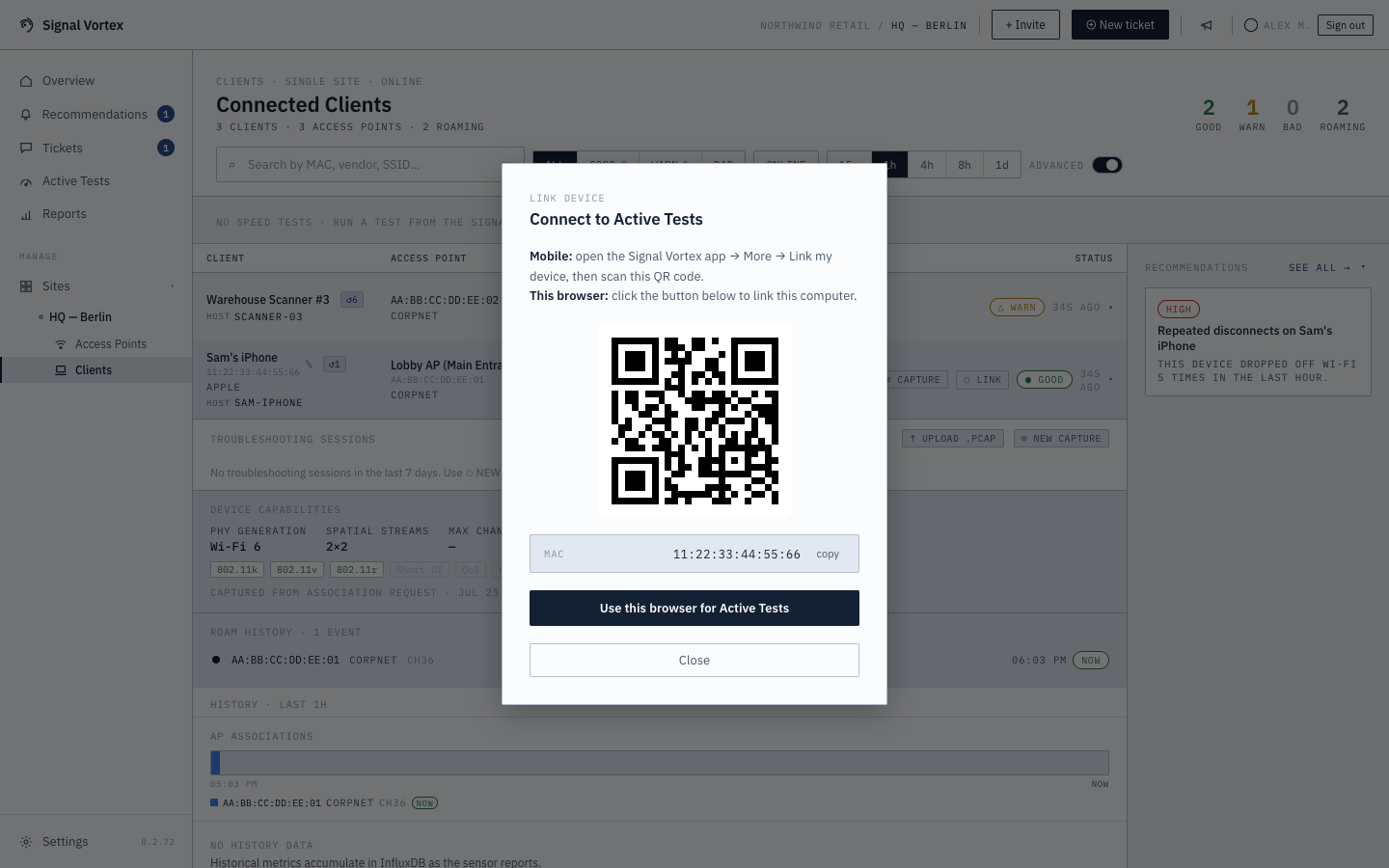
- Scan a QR code from the Signal Vortex mobile app (More → Link my device) to link that device.
- Or, from a desktop browser, click "Use this browser for Active Tests" — this remembers your device's MAC address in this browser so it's treated as "your device" going forward.
- Copy your MAC address to the clipboard if you need it for something else.
Signing out of the mobile app clears the linked device and your recent test history from that phone, so the next person to sign in on it starts fresh and has to link their own device.
Why it matters
Without linking, the app has no way to know which of potentially hundreds of clients on the network belongs to you — linking is what makes "just tell me about my device" possible instead of having to search a full client list yourself.