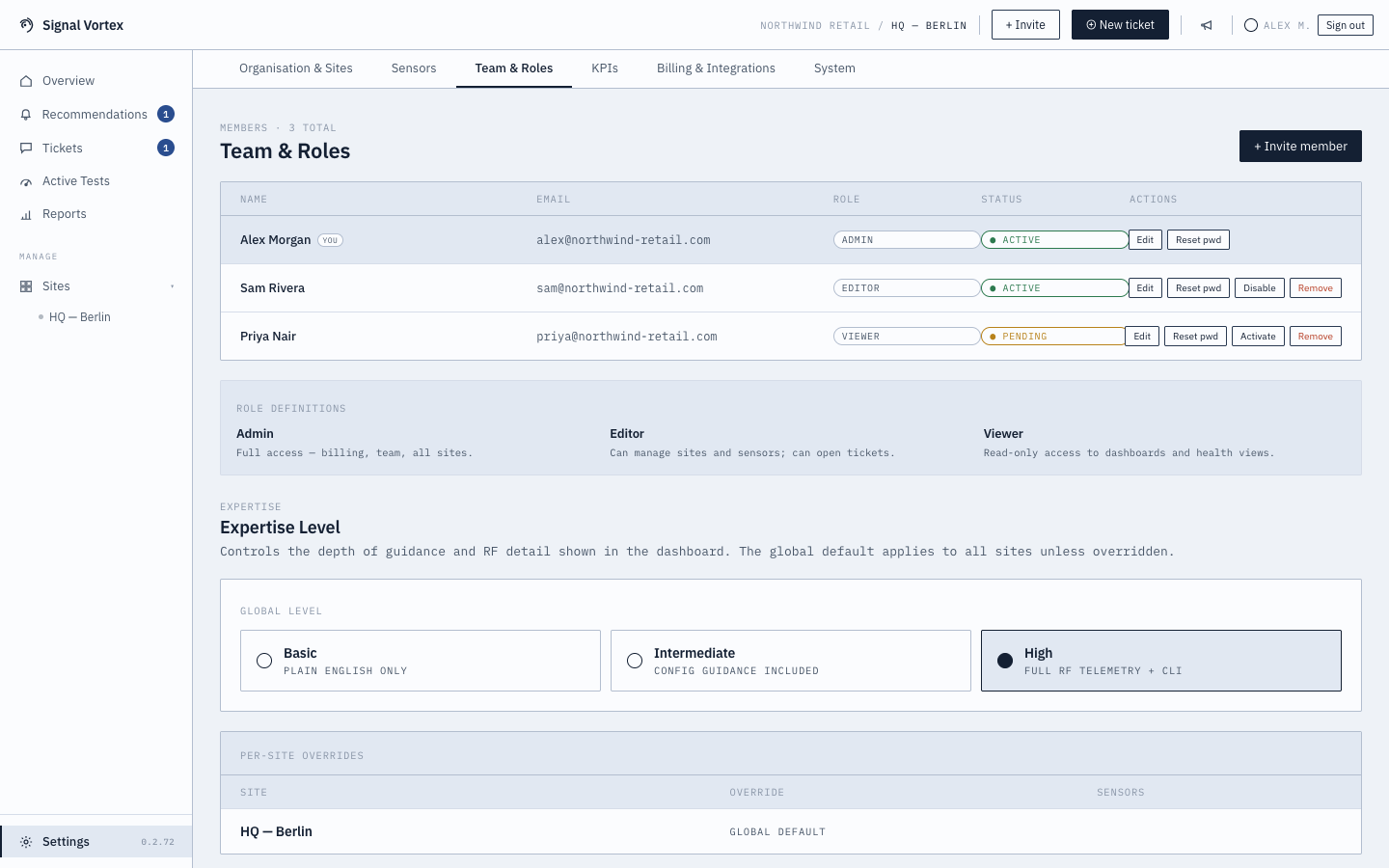
Team and Roles
What you can do (Admin)
- Invite a new team member — name, email, role, and expertise level.
- Edit an existing member's role or expertise level.
- Remove a member.
What everyone sees
- The full member list, with each person's role (Admin / Editor / Viewer) and expertise level (Basic / Intermediate / High).
- A role legend explaining what each role can do: Admin has full access including billing; Editor can manage sites and open tickets; Viewer is read-only. See Roles and Expertise Levels for the full picture, including how expertise level changes the app's navigation.
Why it matters
This is where you control who has access to what — and how "technical" the app looks for each person, independent of their permissions.