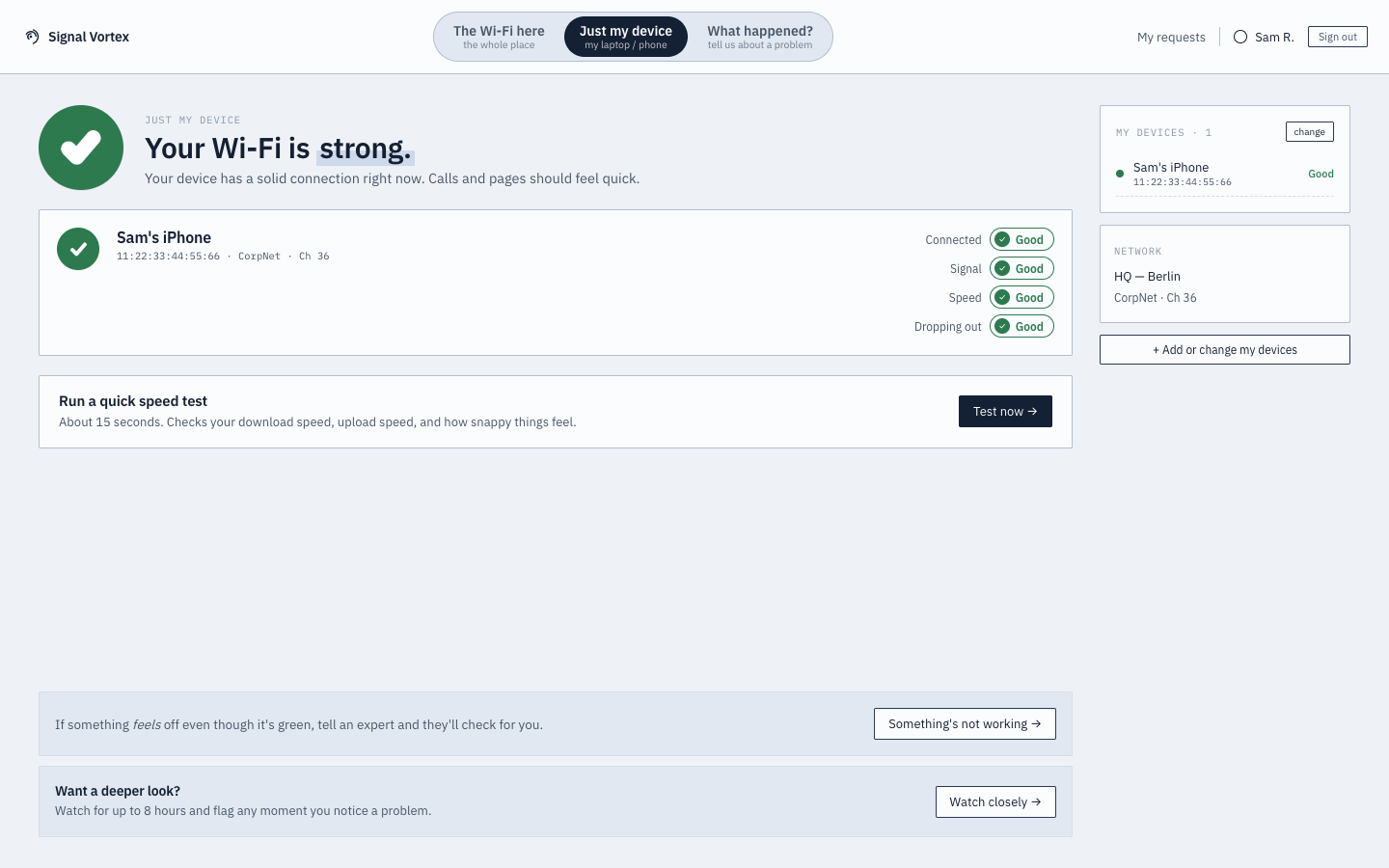
"Just My Device"
This view focuses entirely on your own device — the one you linked earlier.
What you can do
- Manage the list of devices you've personally associated with your account (using the same picker used to build your device list,
DevicePicker). - See status/diagnostics for those devices specifically, without seeing the full site client list — this is a real, backend-enforced restriction, not just a hidden UI: attempting to report on a device outside your own list is rejected by the server.
- If everything looks fine but something still feels off, start a "Watch & Flag" session — a live monitor you tap to mark the exact moment a problem happens.
Why it matters
You shouldn't need to see (or be able to see) every device on the network just to check on your own laptop or phone — this keeps things scoped to what's actually yours.