Sentence-Mode Reports
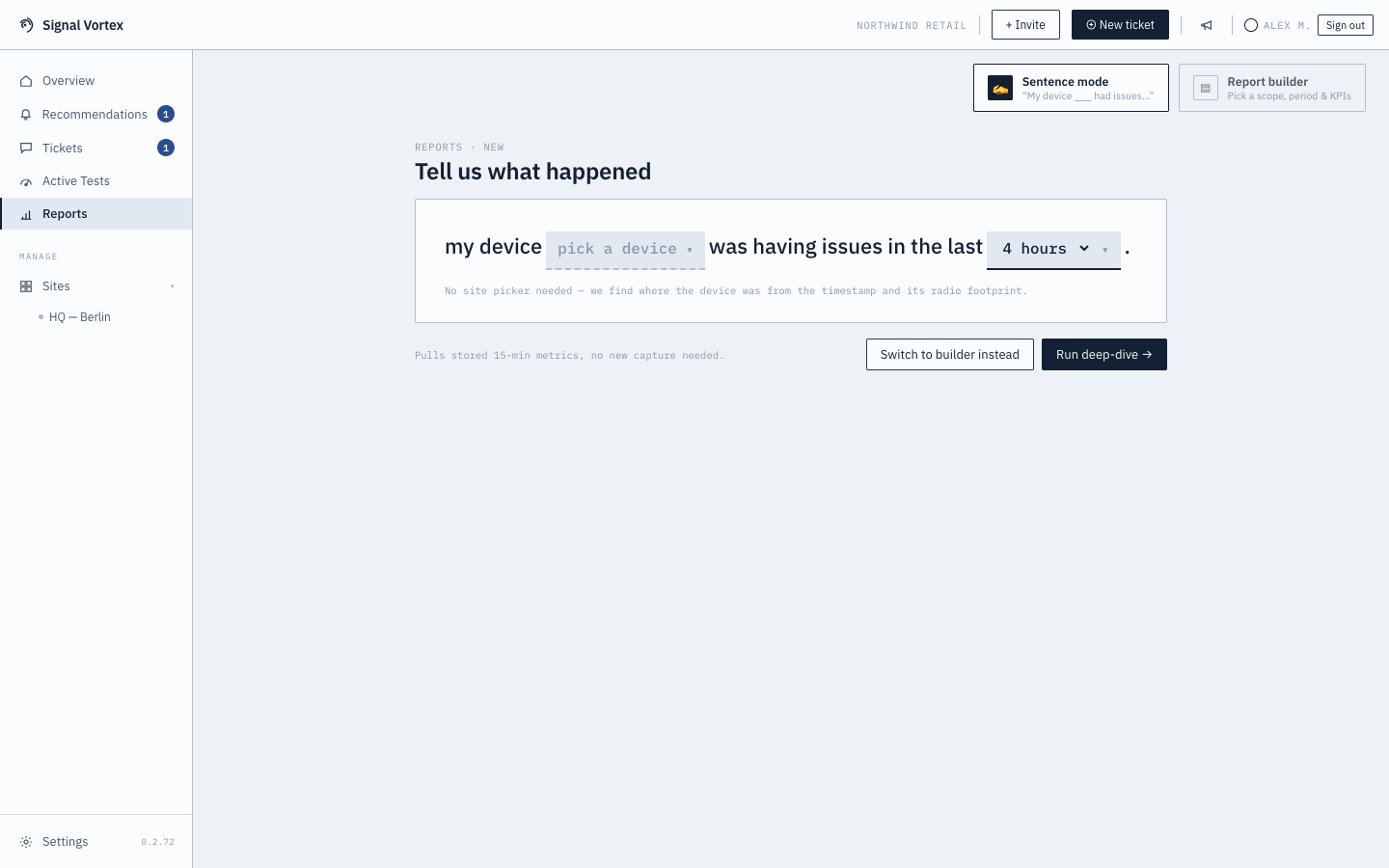
Sentence mode turns "something was wrong with my device" into a proper report, by filling in the blanks of a sentence rather than configuring a technical query.
How it works
- Fill in a sentence like "In [site(s)] my device [device] was having issues [time window]..."
- The site blank only appears if you have more than one site — pick one or several (defaults to all).
- The device dropdown is narrowed to devices from the site(s) you picked.
- With only one site, the site blank is skipped entirely.
- Submit — the system automatically figures out which access point and time window are relevant from just the device and time range you gave it.
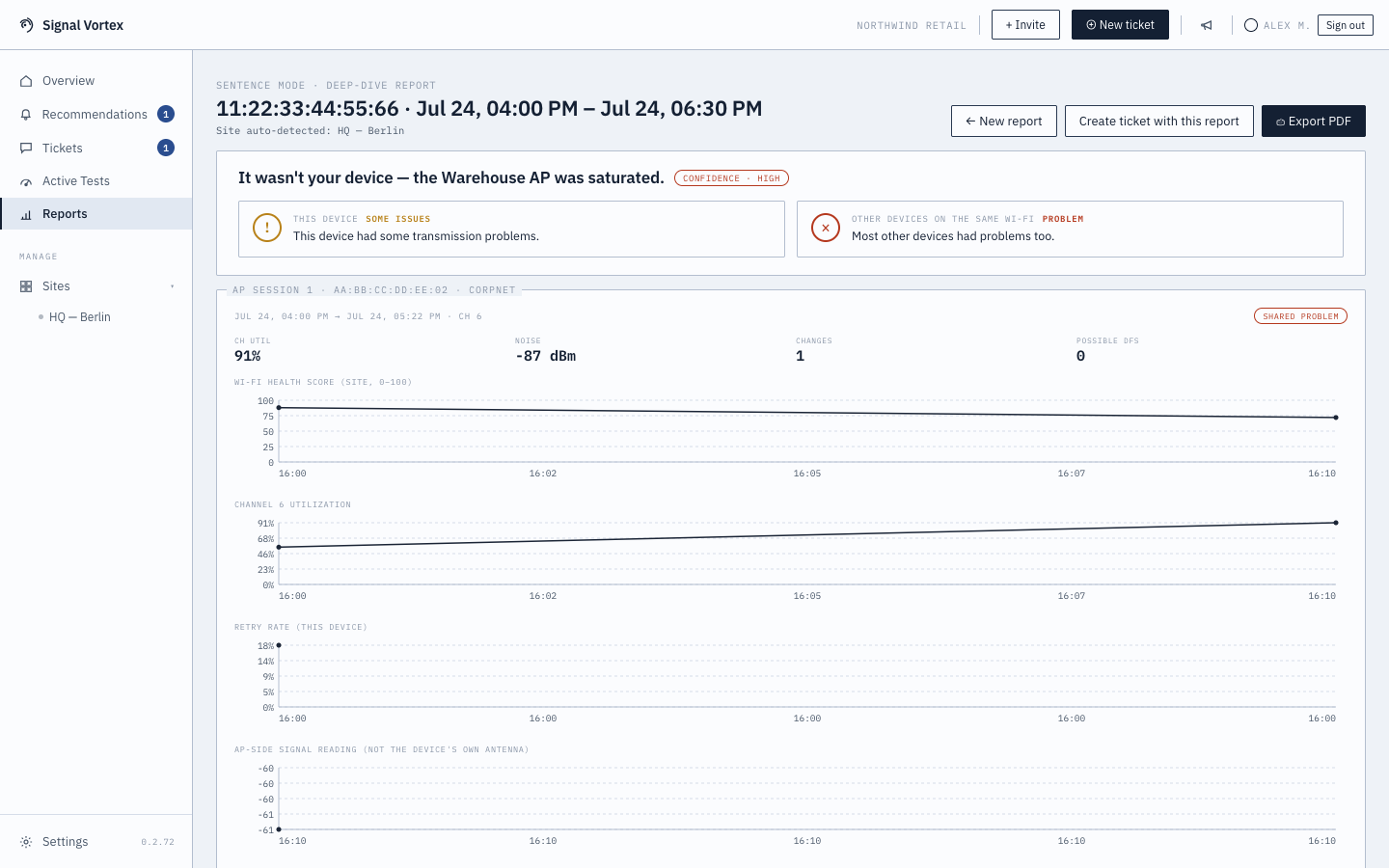
- You land on a deep-dive view: a plain verdict, per-AP session cards, a table of neighboring APs for context, and a "Create ticket with this report" button if you want to hand it to Signal Vortex support.
Why it matters
You don't need to know which AP your device was connected to, or any technical details — just roughly when the problem happened and which device it was. The system does the correlation for you.