Understanding Capture Analysis
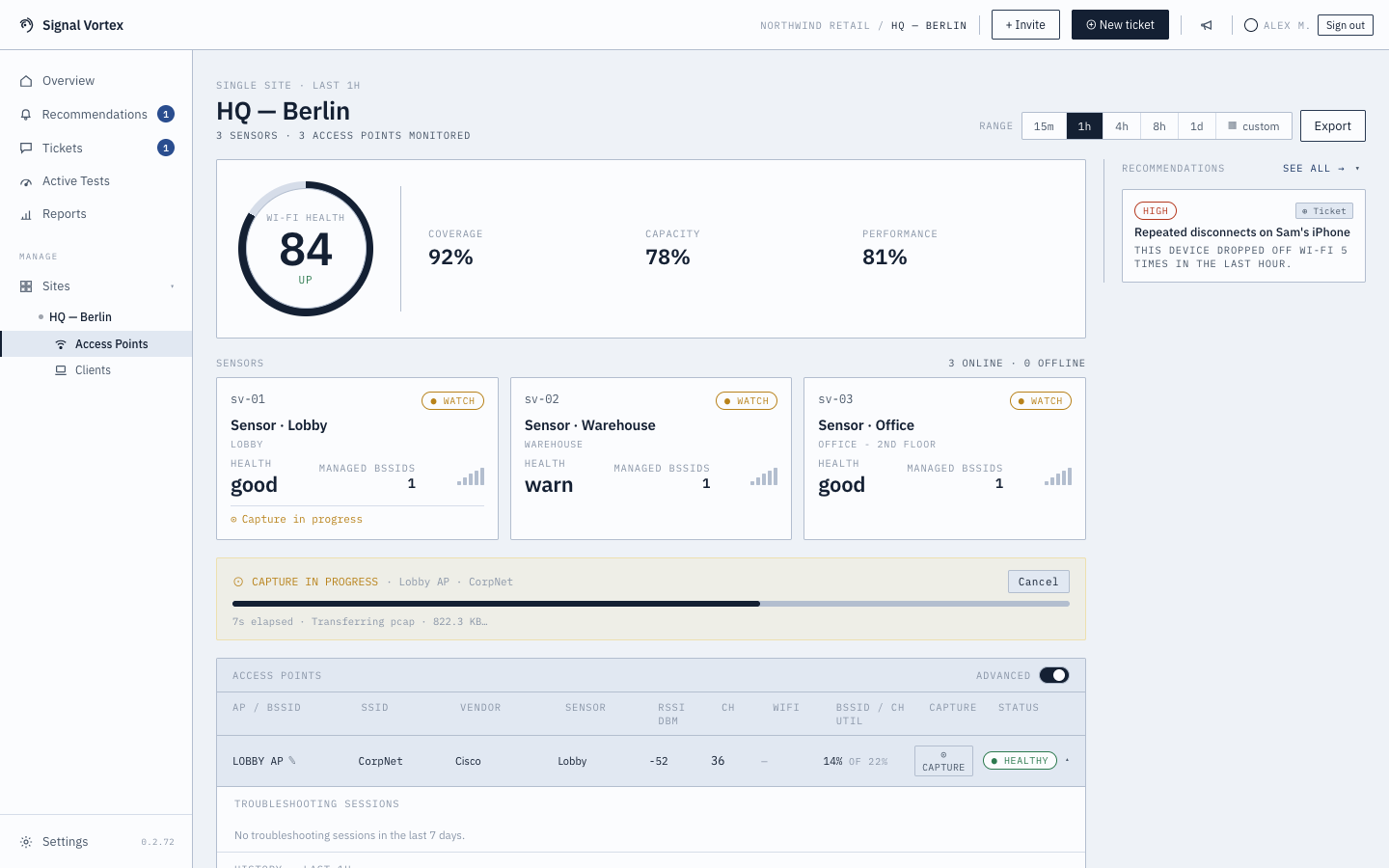
Once a Focused Capture (or a curated window from a Live Monitor Session) finishes, Signal Vortex automatically analyzes it and shows you the results — no need to read a raw packet capture yourself.
What you'll see
- A decrypted (higher-layer) breakdown — if the network's passphrase has been provided (see Wi-Fi Passwords), the capture can be decrypted. You'll see a decrypted-vs-still-encrypted bar, and, per client whose key was recovered: its hostname, names it looked up (DNS), decrypted frame count, and TCP retransmissions.
- If a network is WPA3/6GHz (802.11w-protected), you'll see a note explaining that "force reconnect" can't help there, and that this class of network can't be decrypted from the passphrase at all — so you'll only get the encrypted-layer view.
- Application Protocols (when available) — a health chip, device identity (mDNS hostname / OS hint), and a per-protocol inventory (HTTP/3-QUIC, DNS-over-HTTPS/TLS/QUIC, HTTPS, mDNS, Apple Push Notifications, etc.), each with its own health status and key metrics.
- DNS privacy posture — what percentage of DNS lookups were encrypted, which resolvers were used, and a warning if plaintext DNS is leaking information.
- Cross-layer attribution — when something in the application layer was slow, this tags why: Wi-Fi, upstream (ISP/internet), or the client device itself — so you're not left guessing whether it's "your Wi-Fi's fault."
- A Download .pcap button for the raw capture file.
- A Delete control to remove the analysis (and its underlying data) once you no longer need it.
A whole-channel capture (no single BSSID/client target) doesn't get AI analysis — you'll see a "not applicable" notice and only the raw file is available.
Why it matters
This turns "here's a pile of packets" into "here's specifically what was wrong, and whether it was actually your Wi-Fi" — the same evidence a Signal Vortex engineer would use, but understandable without networking expertise.