Viewing Clients
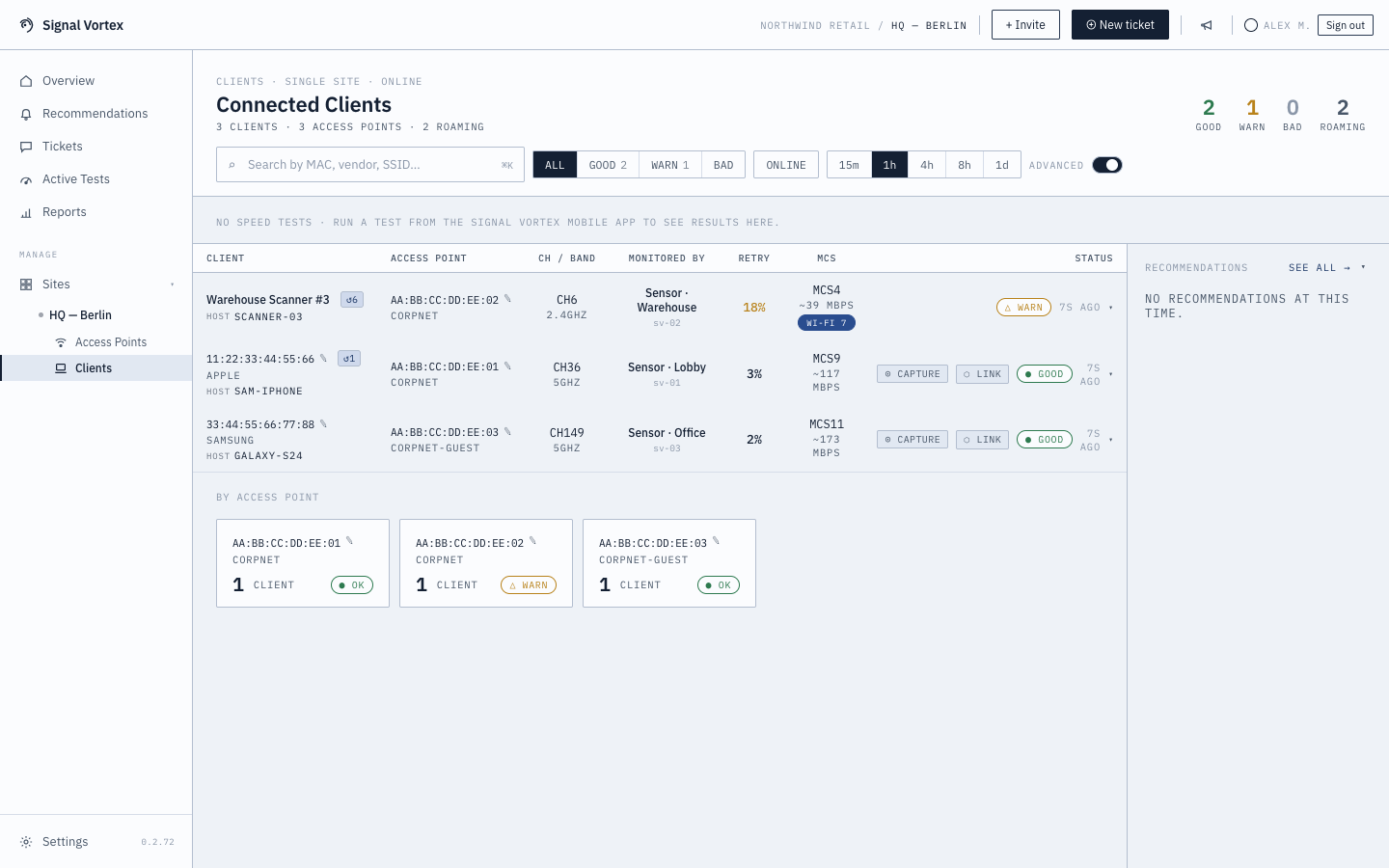
The Clients screen lists every device that has connected to your Wi-Fi — laptops, phones, IoT devices, anything your sensors have seen associate with an AP.
What you'll see
- A table of clients, identified by MAC address and any alias you've set (see Renaming Devices).
- A ⊙ CAPTURE button per client for a Focused Capture, plus the option to start a Live Monitor Session.
- Expanding a client reveals its Device Capabilities panel.
Why it matters
When someone reports "my laptop keeps dropping," this is where you find that specific device and start digging in — rather than working from the AP side.