Grouping Access Points
Many physical access points broadcast more than one radio/BSSID (e.g. one for 2.4GHz, one for 5GHz, one for 6GHz). AP grouping lets you treat those as a single logical AP for reporting.
What you can do
- Create a named group and assign the BSSIDs that belong to the same physical AP into it.
- Use auto-detect suggestions — the system can propose likely groupings for you to confirm rather than building them by hand.
- Decommission a BSSID that's been retired, removing it from the active list without deleting its history.
- Recommission a previously decommissioned BSSID if it comes back into use.
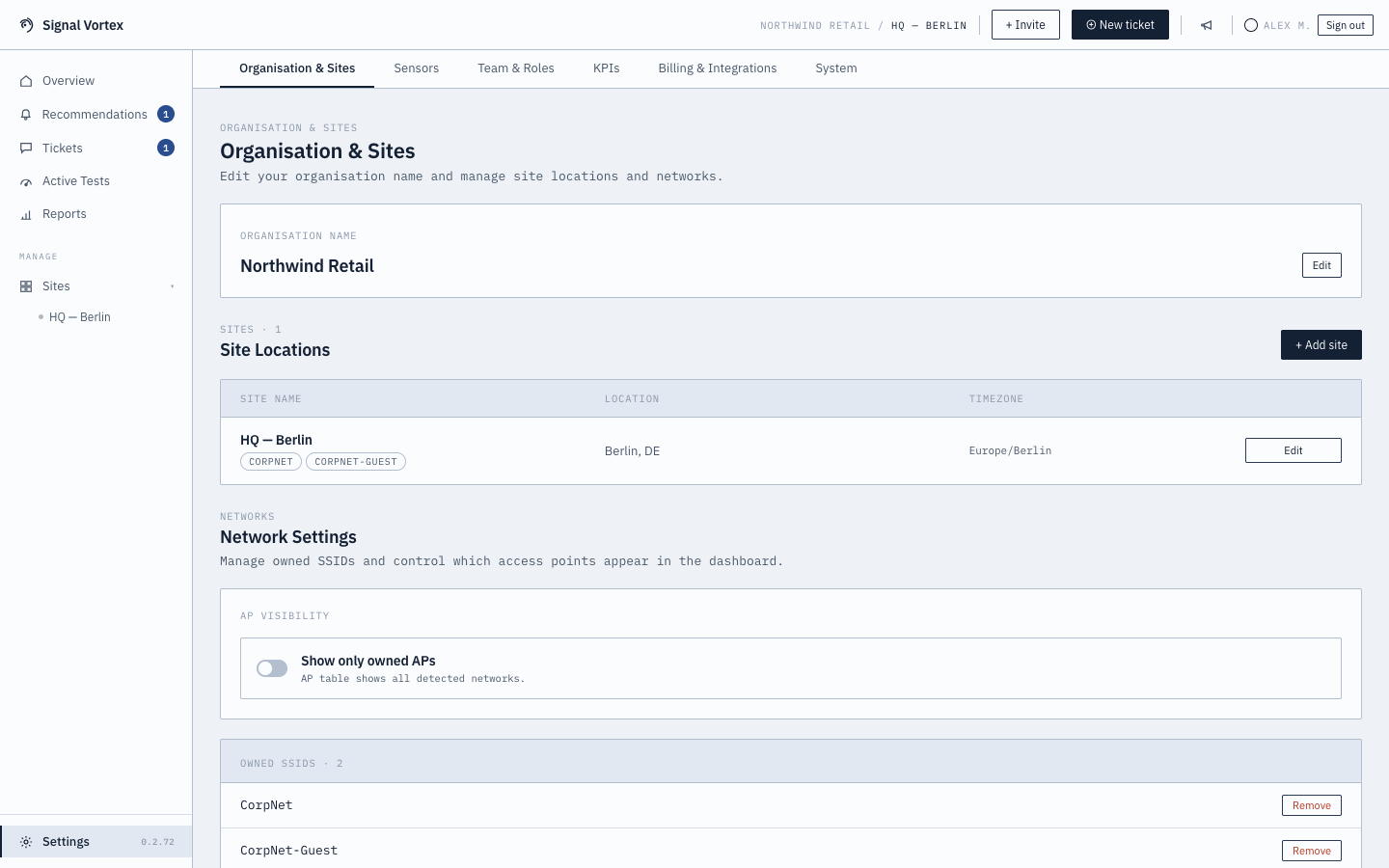
Managed from Settings → Organization and Sites (see Organization and Sites).
Why it matters
Without grouping, one physical AP can show up as two or three unrelated entries throughout the dashboard and in reports, making it harder to reason about "how is this AP doing" as a whole.