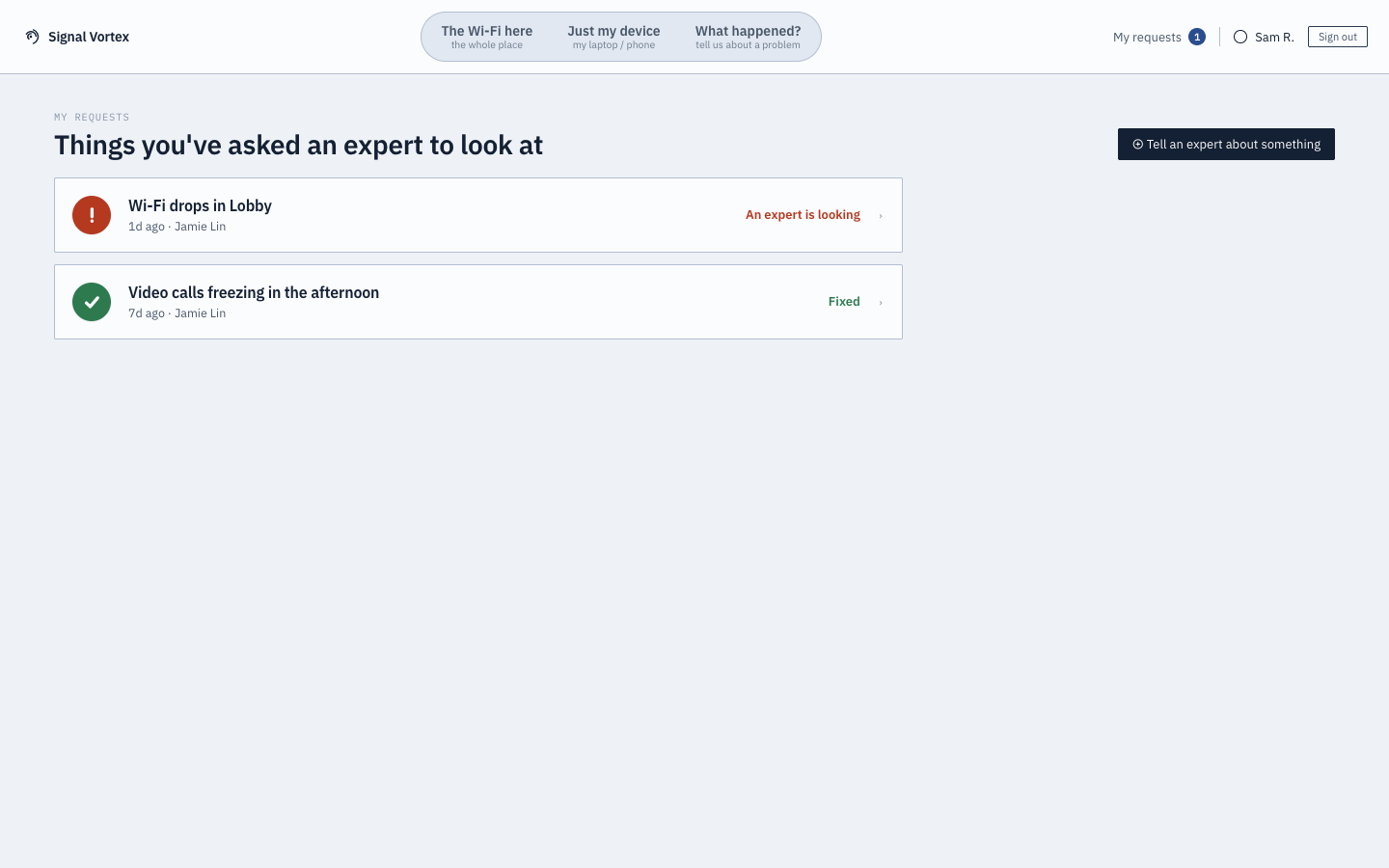
"My Requests"
Reachable at any time from the persistent "My Requests" control in the header (badge shows how many are open), regardless of which of the three main pills you're on.
What you can do
- See every request you've previously sent to Signal Vortex support — from "What Happened?", from a bad health-score alert, or from a "Watch & Flag" session — as a simple list: what it's about, when you sent it, and its current status.
- Open any request to see its detail: status, when it was sent, and the conversation with the assigned expert so far.
Why it matters
You shouldn't have to remember whether you already reported something, or dig through email to check if anyone replied — this is a single, always-reachable place to see what you've flagged and what's happened since, in the same plain language as the rest of the Basic-tier experience.