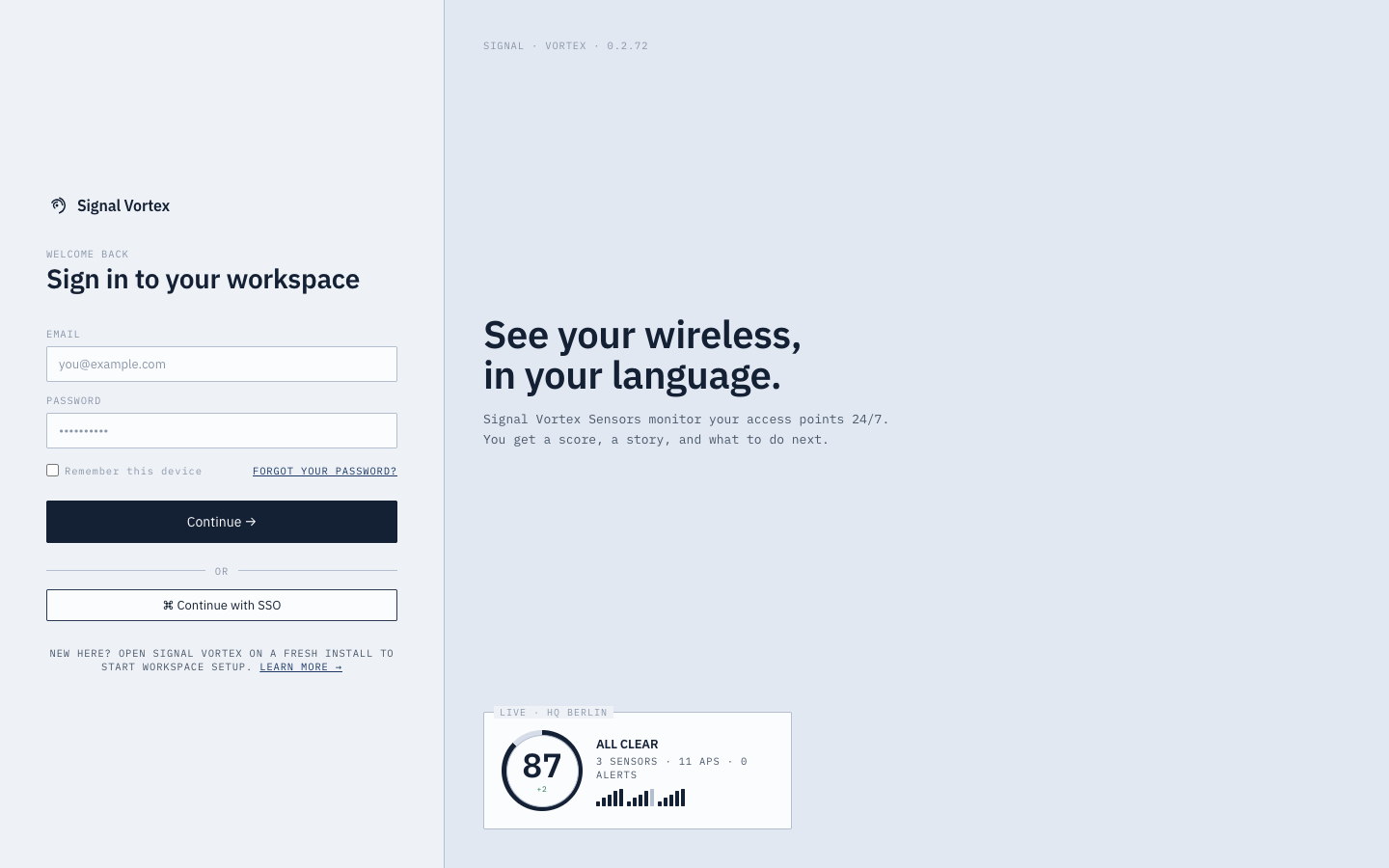
Signing In
What you can do
- Sign in with your email and password.
- Tick "remember this device" if you don't want to re-enter your password on this browser next time.
- Use the "Forgot password" link if you're locked out — this connects you with your workspace Admin or Signal Vortex support to regain access.
What you'll see
If your workspace hasn't been created yet, you won't reach a login form at all — you'll land on Creating Your Workspace instead. New workspaces are created there, not via a sign-up link on the login screen; the "New here? Learn more" link on the login page just takes you to the public marketing site.
Once signed in, the app takes you to one of two places automatically, based on your account:
- The main dashboard (most users).
- The Simplified Experience (Basic-expertise, non-admin users).
If your session expires while you're using the app, you'll be returned to this screen automatically.